iOS Password Incorrect on IMAP Mail App
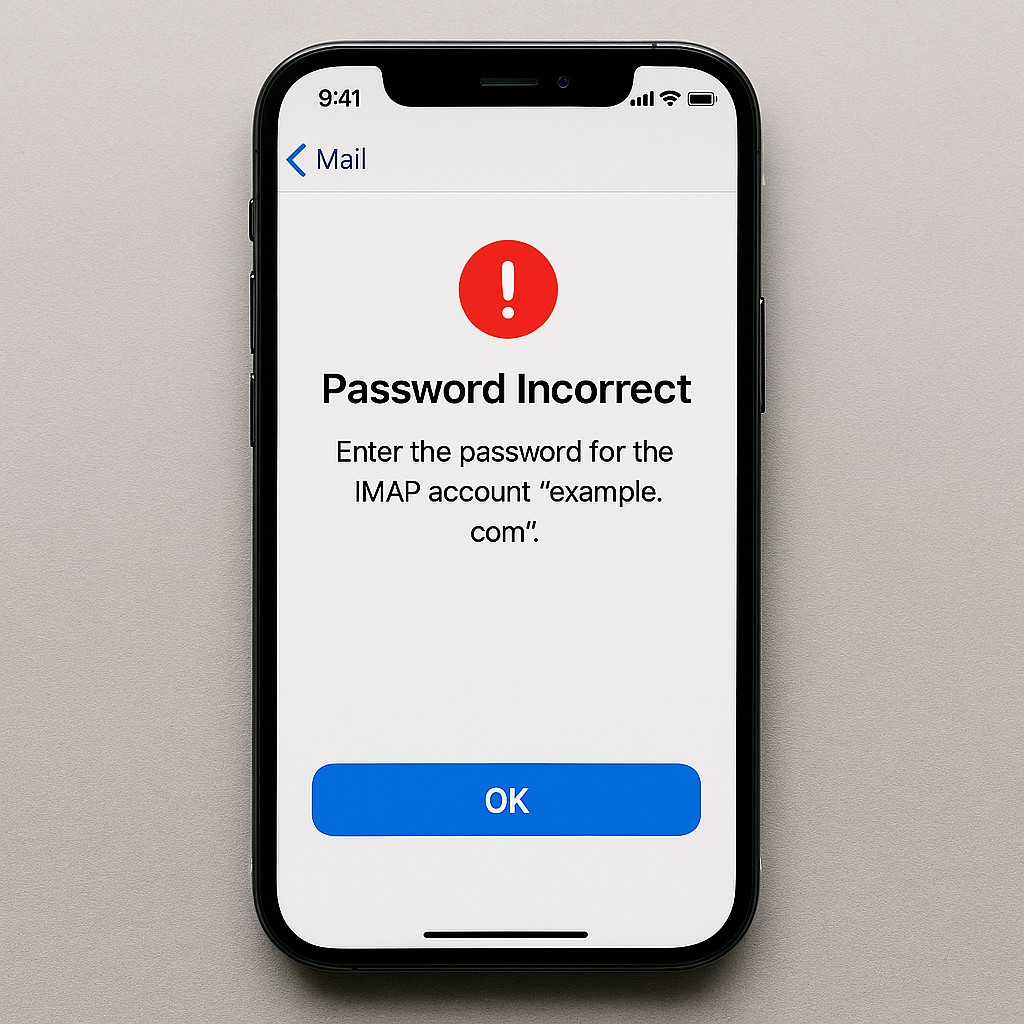
Some iOS users are having issues with incorrect passwords on their iPhones & iPads. It was caused by a software update. Even entering the ‘correct’ password does not resolve the issue.
There is a simple workaround to this: remove your mail account (regardless of email providers such as Hotmail, Outlook, Gmail, etc.) from your iOS device and then re-add your email account back to it. It can be accessed by going to Settings > Mail > Accounts.
If you are still stuck with it or require a password reset, feel free to contact me.